
Mileage inside the job
Pilot car job records for mileage, expenses, and closeout.
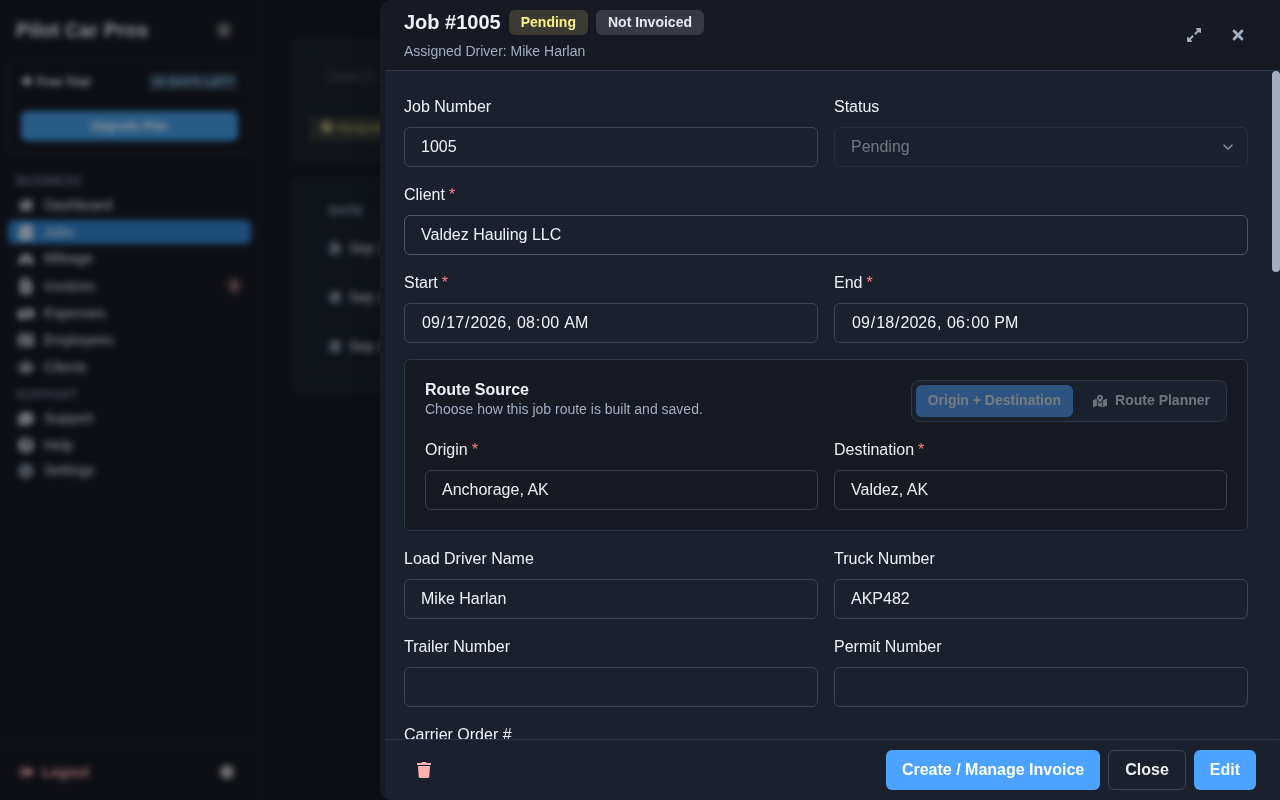
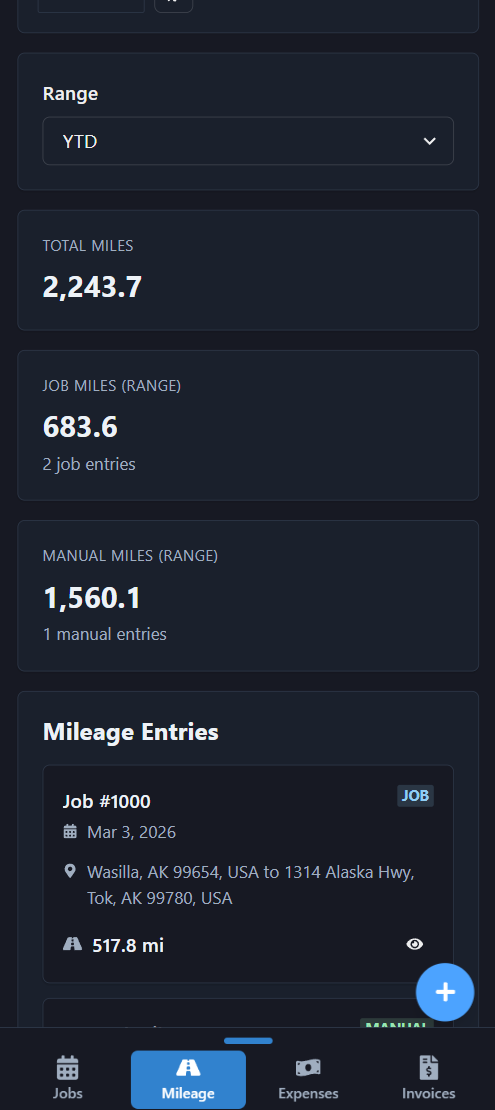
Update loaded miles, deadhead, expenses, receipts, arrival, and release details directly inside the job while the work is still fresh.
14 days free · No credit card · $19.99/month for one active driver
For one driver running the whole business
Your job record stays with you from booking through payment.
For a solo owner-operator, mileage and field details live directly inside the job. Capture actual loaded and deadhead mileage, arrival and release details, approved waiting time, expenses, and supporting records without rebuilding the work from memory.
Software for oversize-load escort (pilot car) operators in the U.S.
Update the completed job
Record the actual route, service dates, role, mileage, wait time, and expense details after release. The job keeps the completed work beside the client and load reference.
Keep billable and operating records clear
Loaded miles, deadhead, lodging, tolls, and other expenses do not all follow the same billing rule. Keep the operating record complete, then invoice only the items authorized by the customer agreement.
Related: Pilot car owner-operator software · Pilot car invoice software
Move from job to invoice
Review the completed job before billing. Pilot Car Pros keeps the supporting details available when creating the tailored invoice, reducing duplicate entry and missing load information.
From job to paid work
Pilot Car Pros keeps the job → loaded and deadhead mileage → expenses → invoice → payment status → client history connected. Update the job while details are fresh, then review the bill against the completed work before sending.
Frequently asked questions
Where do solo operators enter mileage?
Loaded and deadhead mileage are entered inside the job; there is no separate trip-report workflow to manage.
Can I keep expenses and receipts with the job?
Yes. Record job expenses and keep their supporting details connected to the same work.
Does recording a mile make it billable?
No. Keep the operating record complete, then invoice only the mileage and extras authorized by the customer agreement.
How does the job become an invoice?
Review the completed job details, then use the approved quantities and rates to prepare the client invoice.
Owner-operator workflow
Continue through the solo operation.
Your next run starts here
Less to catch up on. More room to move.
Try Pilot Car Pros free for 14 days. No credit card required.